Upload your book in Excel
If you already track what you are owed in a spreadsheet, do not type it again. Upload it and every charge is created at once.
Do it in three steps
- Leave four columns in your file: customer, mobile, amount and due. If you have a reference or invoice number, put it in a fifth one.
- Upload it from Charges. Excel and CSV both work.
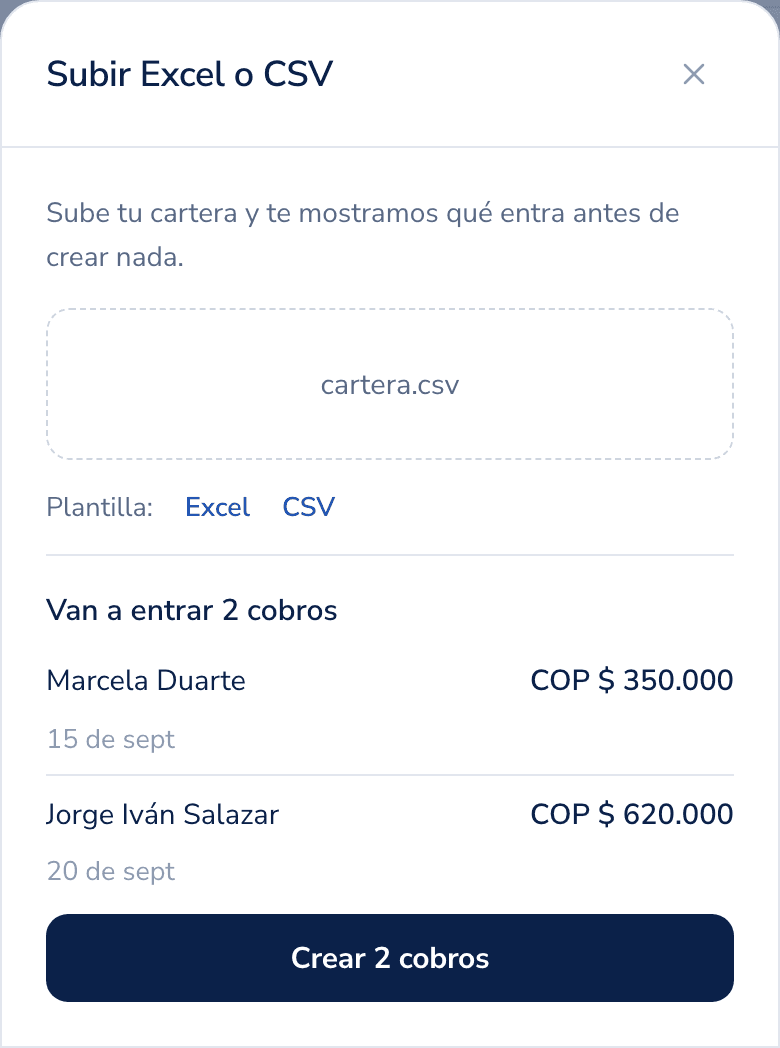
- Check the preview and confirm. That is where you see how many come in and which rows look off.
How to write each column
- Mobile: with country code, for example
+57 300 123 4567. If a customer has none, leave the cell empty: the charge is created anyway and you add the mobile later. - Amount: just the number, no currency symbol.
450000works;$450,000works too. - Due:
2026-08-20or20/08/2026. Both are understood.
Rows that cannot be read are never half imported: they are kept aside, with the reason, and you decide whether to fix them and upload again.
Once it finishes, reminders are already scheduled. If one does not go out, see why a reminder is not sent.
Was this helpful?