Create a charge by hand
Twenty seconds and it is running. You do not need an electronic invoice, a tax id for your customer, or a document number: a name, a mobile, an amount and a date are enough.
Do it in three steps
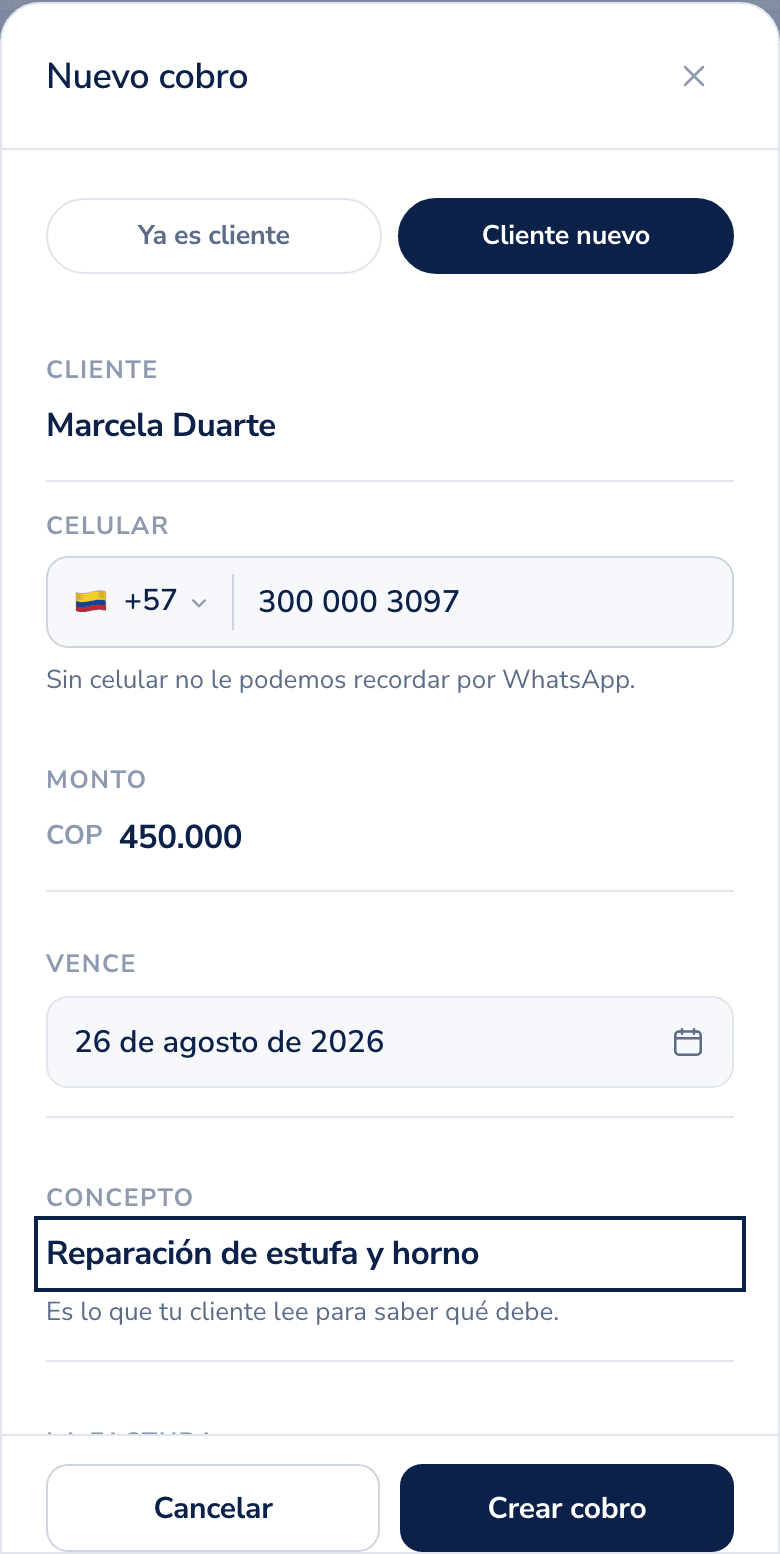
- Tap the Charge button. It is always in reach, on any screen.
- Write the customer name, their mobile with country code, how much they owe and when it is due.
- Save. That is it.
What happens next
Cobbi schedules the reminders on its own: eight per charge, spread across that invoice's term, and the exact dates are on the charge card as soon as you save it. If they pay, the rest never go out.
They go out at 9 in the morning and never on weekends, unless you change those two values in Settings.
The first one goes out under your business name, with your payment details, and your customer pays you directly. The money never passes through us.
If the mobile is missing, the charge is still created and waits. With no mobile there is nowhere to write, and that is one of the reasons a reminder is not sent.
Got many at once? Upload your book in Excel.
Was this helpful?